
Welcome to Echo Bundle App
This app allows merchants to create product bundles and automatically apply discounts when customers purchase bundled products together. No manual discount codes needed!
1. Getting Started
Install the App
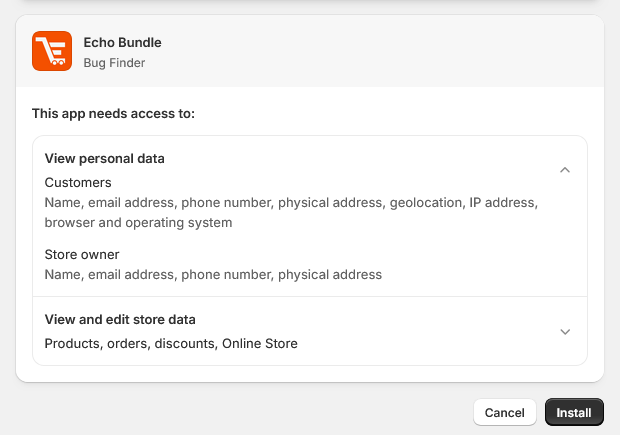
- Install the app using the provided install link.
- Approve the required permissions.
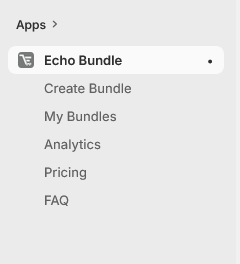
- After installation, the app will appear inside your Shopify Admin → Apps section.
Open the App Dashboard
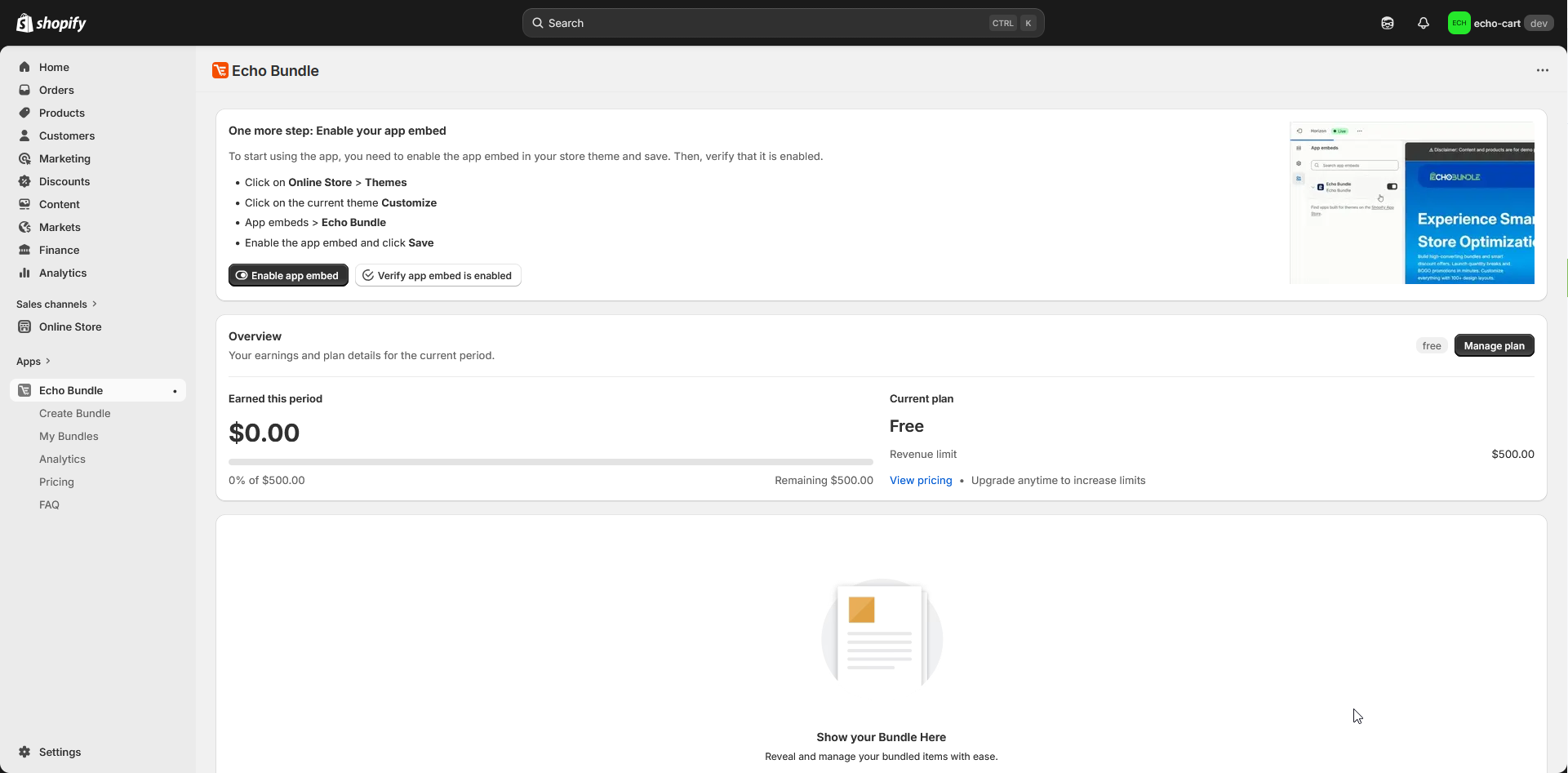
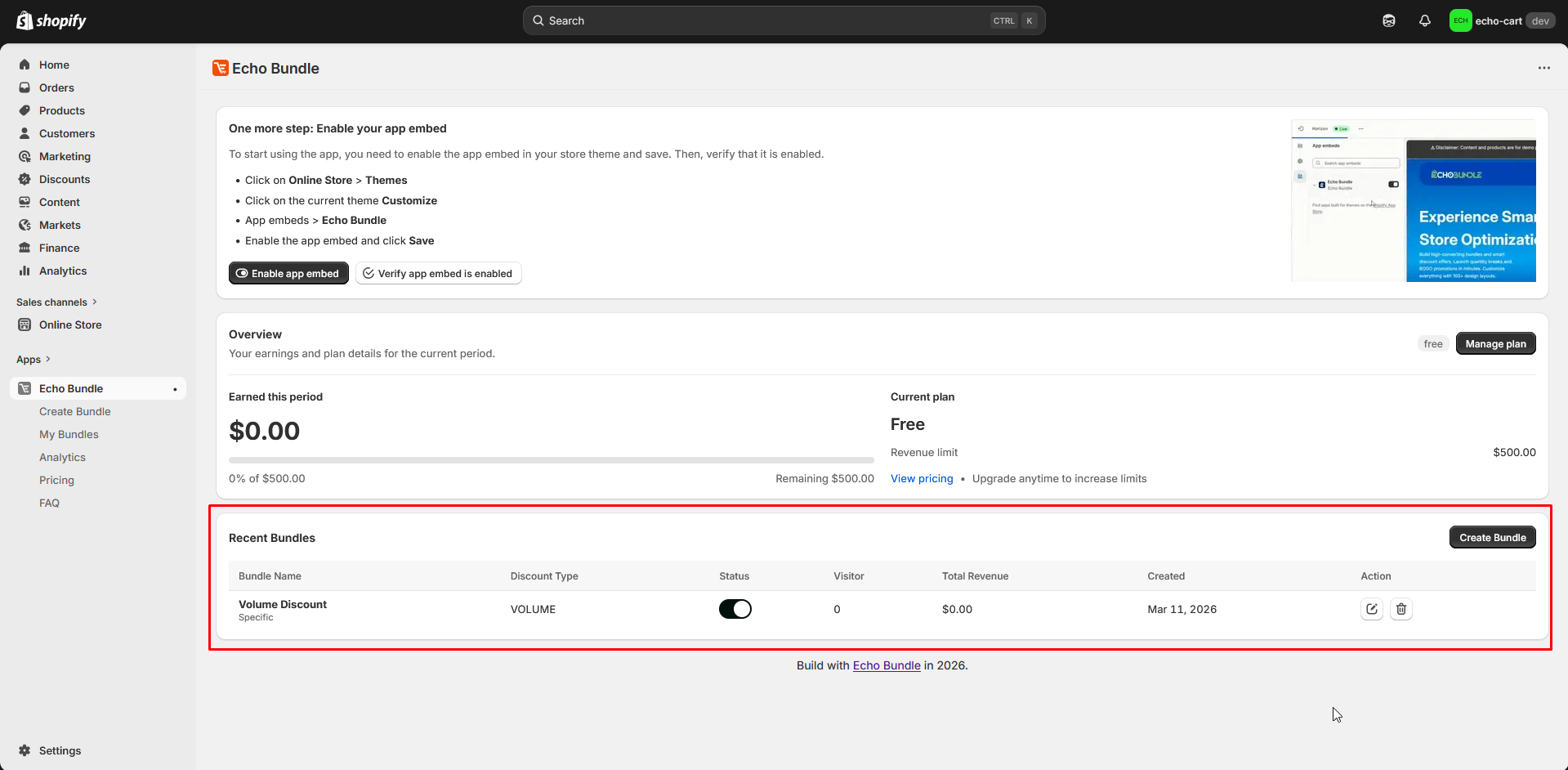
- Go to Shopify Admin > Click Apps > Open Echo Bundle App.
- This opens the main dashboard where you can create and manage bundles.
4. Storefront Integration
Theme App Extension Setup
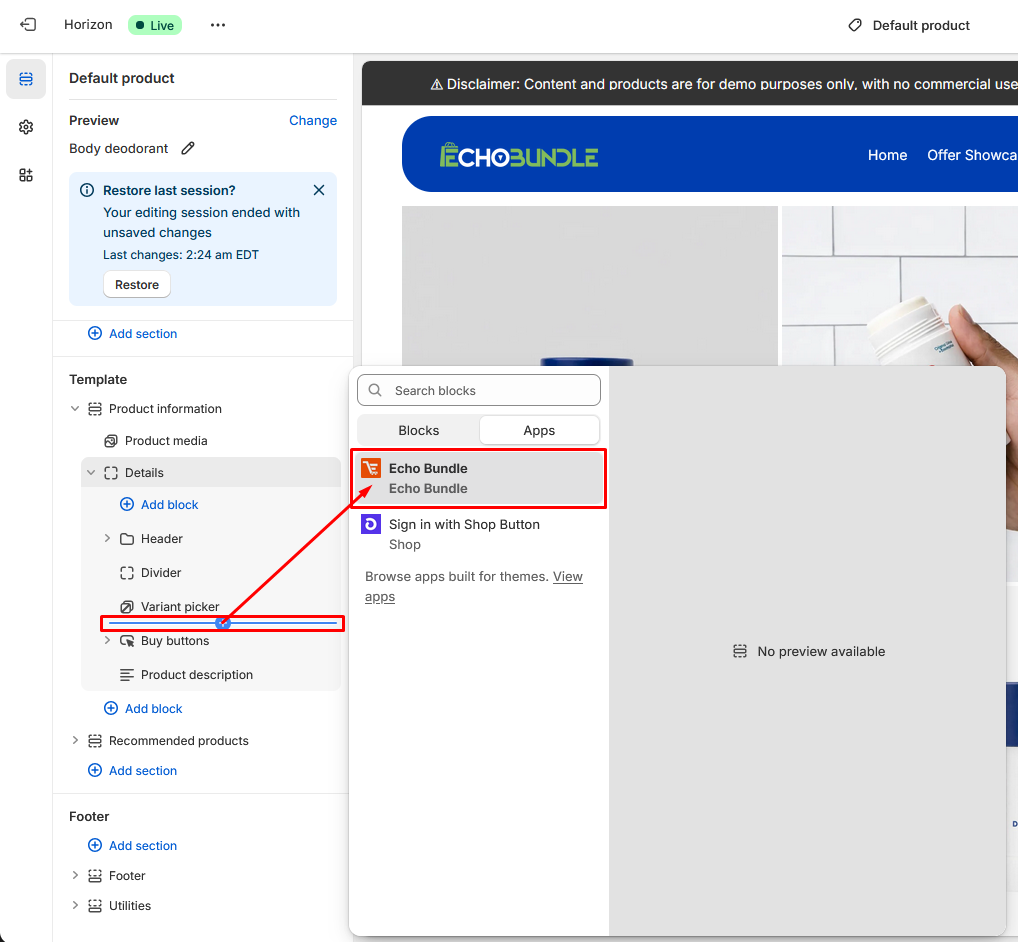
If the app uses a Theme App Extension, follow these steps:
- Go to Online Store → Themes.
- Click Customize on your current theme.
- Add the Echo Bundle App Block to the desired section (e.g., Product Page).
- Save the theme.

2. Create & Configure
Initiate Bundle
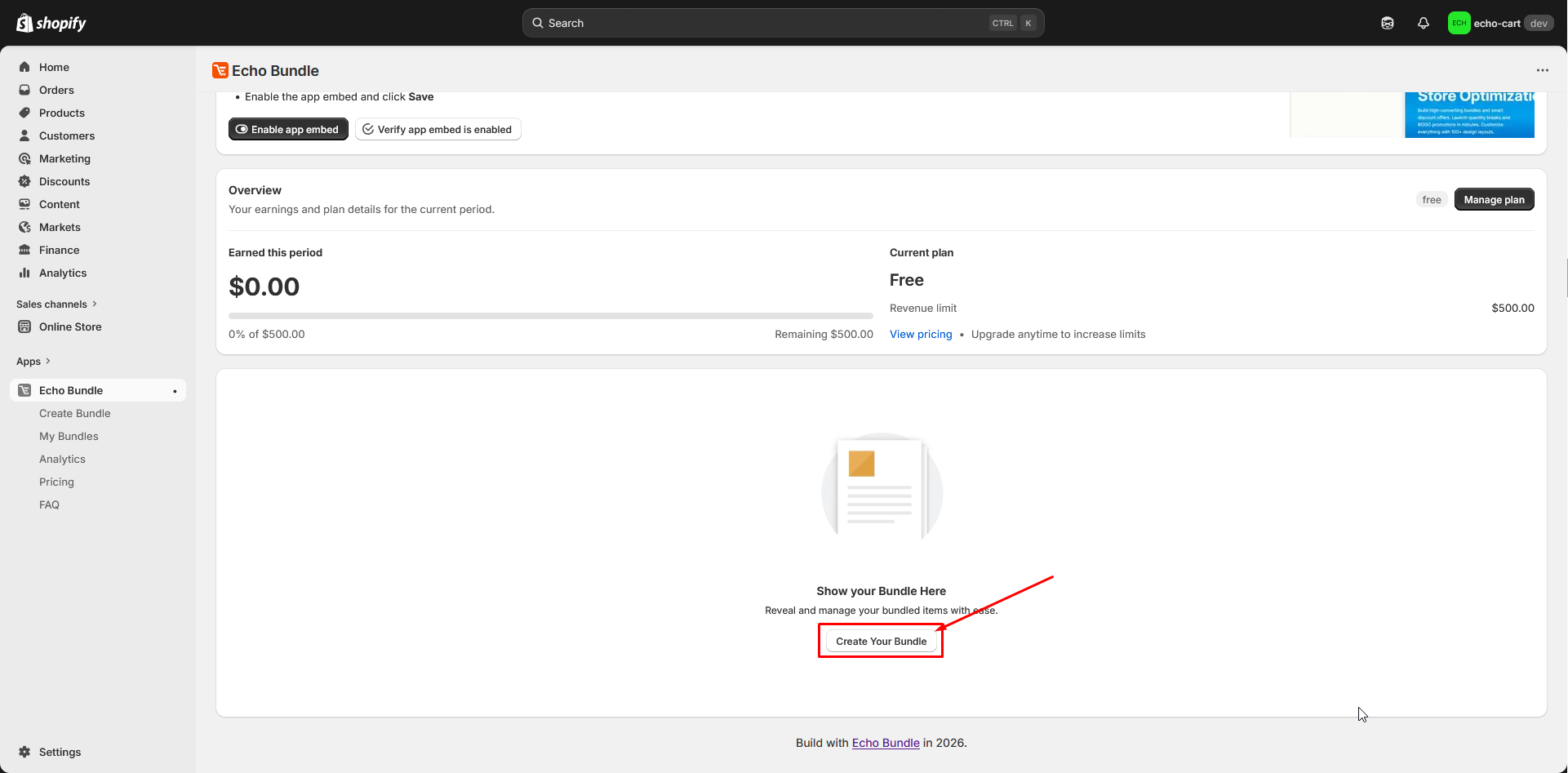
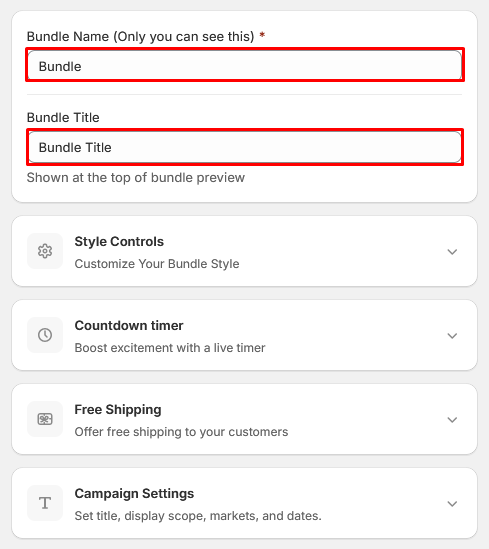
Click the Create Bundle button. Enter a unique bundle name and choose how the bundle should function.
Select Products
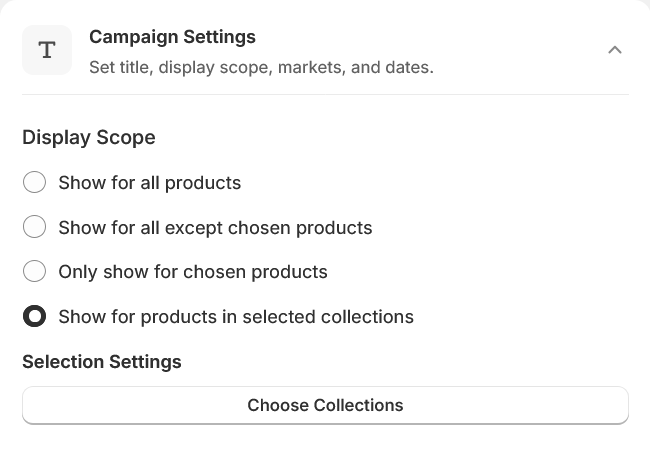
You can add products to the bundle in two ways:
All Products
Applies to every product in the store.
Exclude Products
Applies to all products except the selected ones.
Collections
Applies only to products in selected collections.
Manual Products
Applies only to individually selected products.
Variant Selection
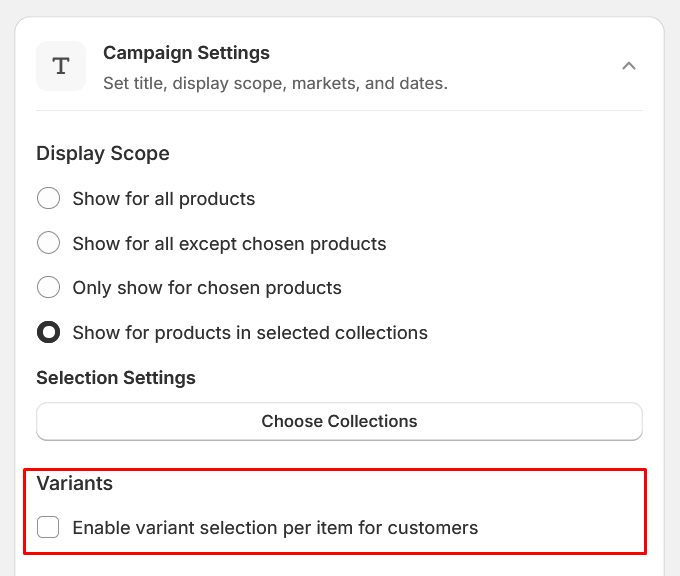
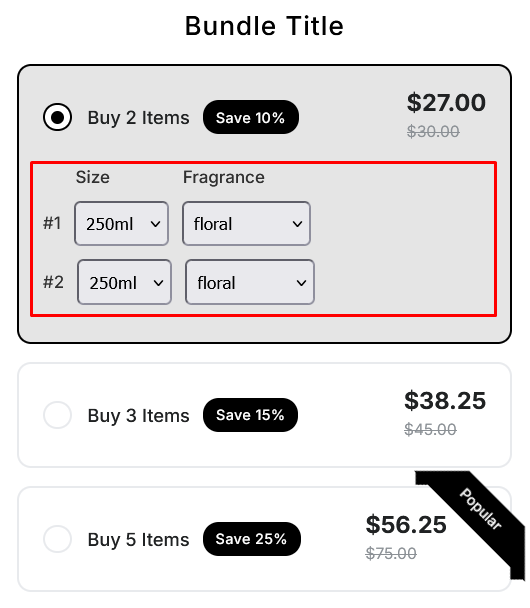
If a product contains multiple variants (size, color, etc.), customers will be able to choose their preferred variant before adding the bundle to the cart. Products without variants are added directly.
3. Applying Discounts
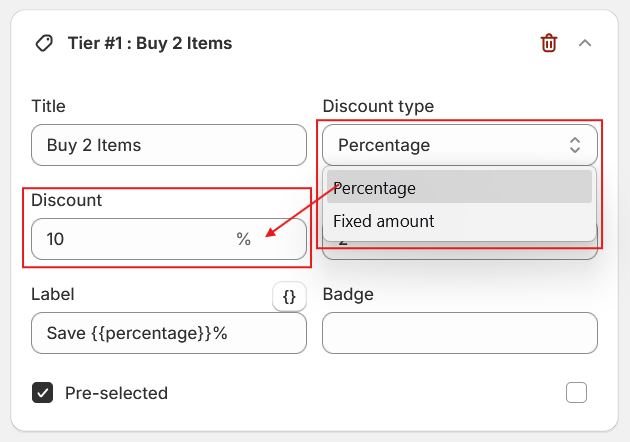
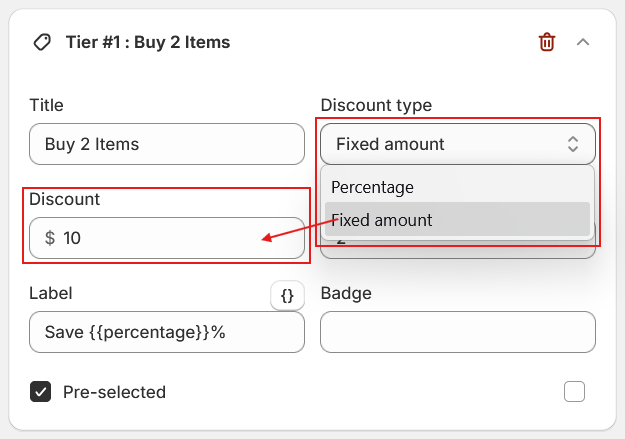
Configure Discount Rules
Choose how the discount should be applied:
- Percentage Discount: E.g., Buy 2 products together and get 10% OFF.
- Fixed Amount Discount: E.g., Save $10 when buying the full bundle.
Save the Bundle
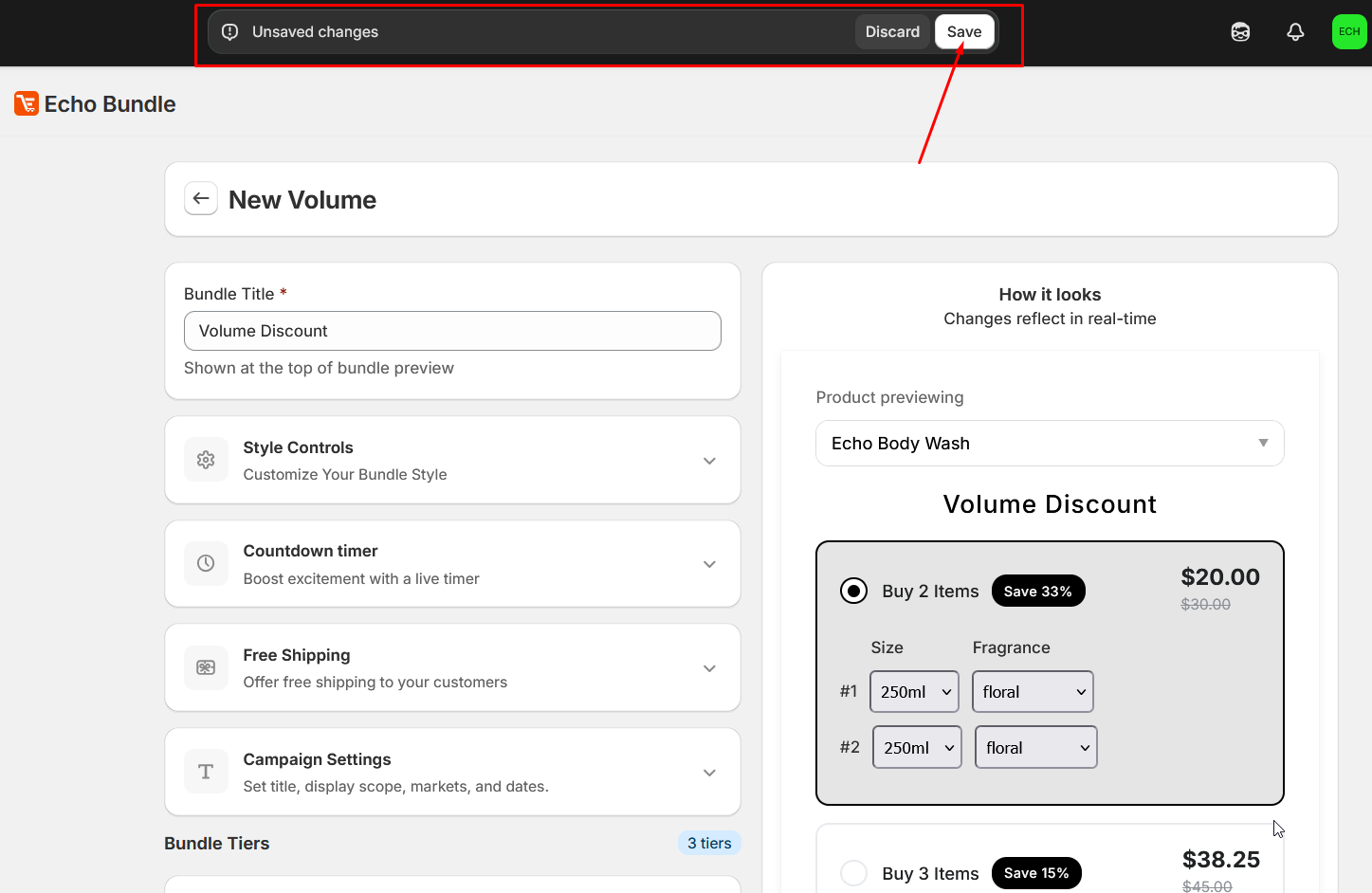
After configuring, click Save Bundle. The bundle will become active immediately.
Need more help?
Our support team is available 24/7 to assist with your setup.
Email: support@echobundle.com